What’s SSH
Before I created the server to host this blog, I didn’t know what’s actually SSH before, I just followed the docs to create, generate the ssh key then copy to the ssh public key box of the VM, but after this time, I learned it and found it is very easy to understand.
SSH (Secure Shell) is a cryptographic network protocol that allows you to securely access and manage a computer or server over an unsecured network, such as the internet. It creates a “secure tunnel” that encrypts all data—including passwords and commands—so that prying eyes cannot intercept your information
The above description is from Google AI overview and ssh is just like other public-private key system, you will keep your private key local and send the public key to other VM or service provider like Github, then you can use your private key to access these services.
How does it work
I will quote what Google says here:
SSH operates on a client-server model:
- Client: The computer you are using (e.g., your laptop).
- Server: The remote computer you want to access.
- Connection: By default, SSH uses TCP port 22.
- Encryption: It uses public-key cryptography to authenticate the connection and negotiate a shared secret key that encrypts all following communications.
How to generate ssh key
- Use the below command
1 | ssh-keygen -t <key type> -f <where to save, it defaults to ~/.ssh/id_> -b <key length> |
- After you create it, you can find the pub key and private key in the location you saved, the location is ~/.ssh by default
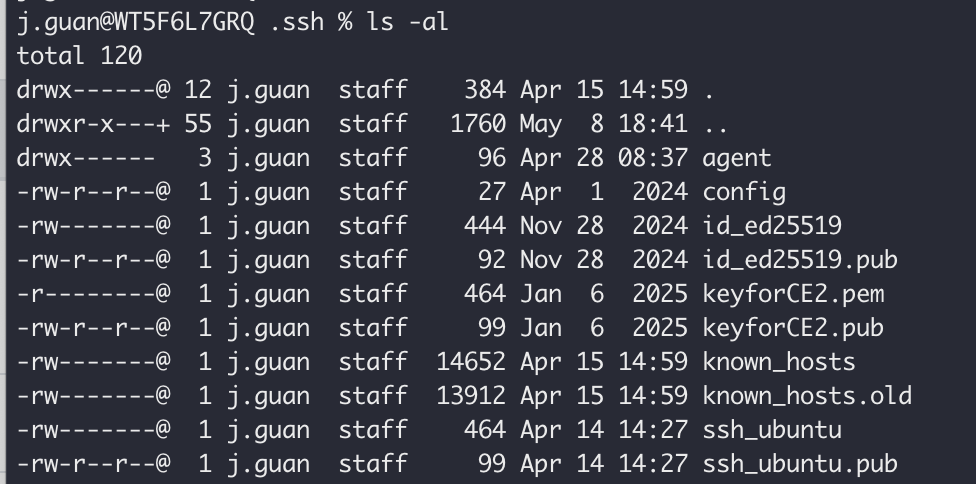
A ssh key can be used in multiple platforms.